
Manual URL classification doesn't scale when you're building automated workflows to check for broken links. If you're integrating link monitoring into CI/CD pipelines, content management systems, or automated scrapers, you need programmatic access to classification data before triggering imports. DeadLinkRadar's URL classification API enables developers to analyze and categorize URLs in seconds, providing the intelligence needed to make smart decisions about which links to monitor and when.
This tutorial shows you how to integrate the classification API into your automated workflows to check for broken links programmatically. Whether you're validating user-submitted links, optimizing quota usage in production systems, or building custom link management tools, you'll learn how to leverage programmatic URL analysis to streamline your link monitoring infrastructure.
What You'll Learn
By the end of this tutorial, you'll understand how to:
- Authenticate with the API using your Business plan API key
- Call the classification endpoint to analyze batches of URLs
- Interpret classification results including service detection and quota impact
- Integrate classification into CI/CD pipelines, CMS platforms, and custom workflows
- Handle errors gracefully with proper retry logic and rate limit management
- Optimize for production using caching, batching, and quota monitoring strategies
For manual classification workflows using the dashboard UI, see our UI-focused classification guide.
Prerequisites
Before integrating the classification API, ensure you have:
- DeadLinkRadar Business plan - API access requires a Business subscription (view pricing)
- API key - Generate from Settings → API in your dashboard
- Development environment - Node.js 18+, Python 3.8+, or curl for testing
- Basic API knowledge - Familiarity with HTTP methods, headers, and JSON
If you're new to the DeadLinkRadar API, check your dashboard settings for an overview of authentication, rate limits, and available endpoints.
Authentication
All API requests require authentication using an API key generated from your dashboard. The classification endpoint requires read permission, making it suitable for analysis workflows that don't modify your monitored links.
Generating Your API Key
Navigate to Settings → API in your dashboard and click "Generate New Key". Choose a descriptive name (e.g., "CI/CD Pipeline" or "CMS Integration") and select the read permission scope.
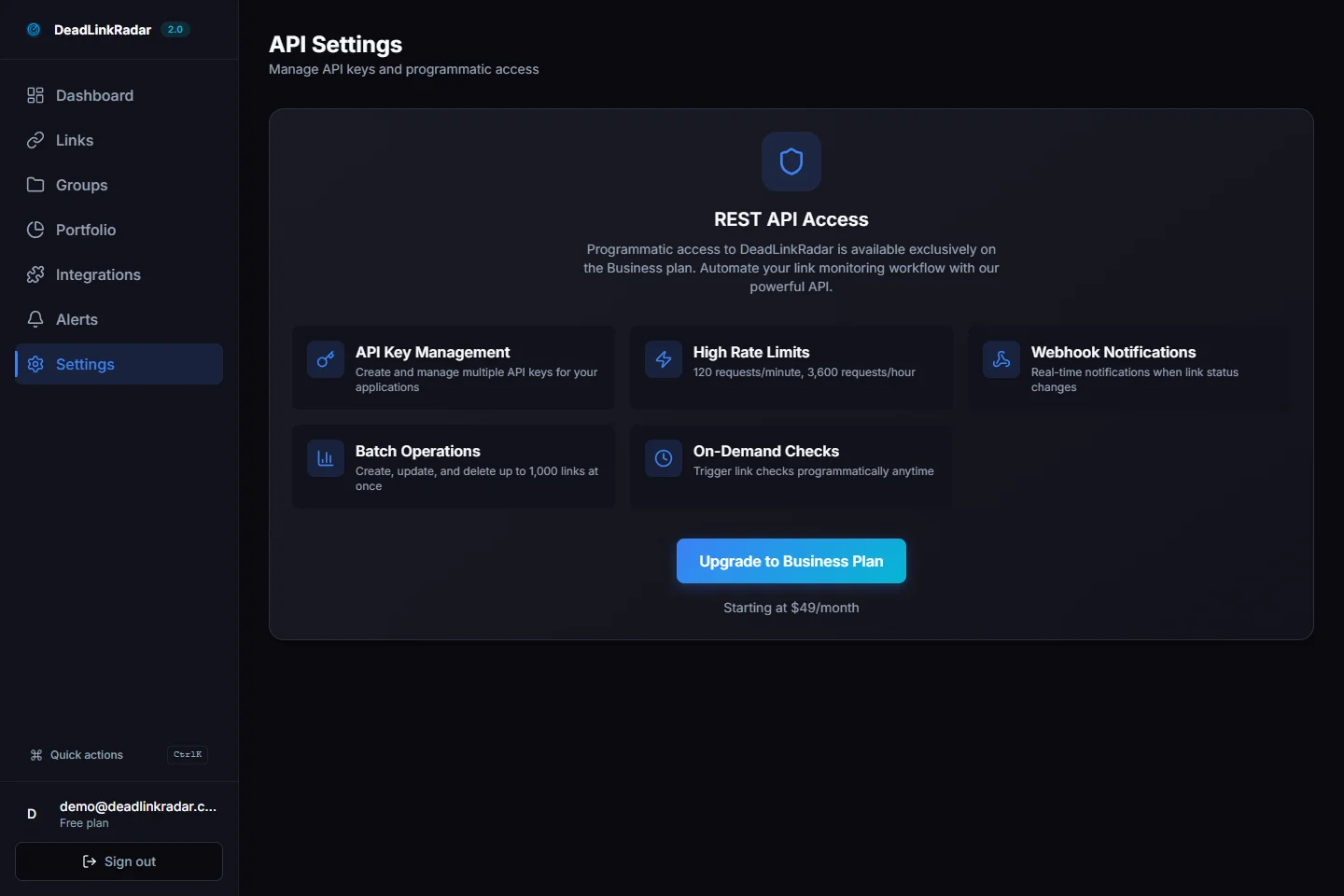
API key generation showing read permission for classification endpoint (click to view full size)
Store your API key securely in environment variables. Never commit keys to version control or expose them in client-side code.
Authentication Header
Include your API key in the Authorization header using Bearer token format:
Authorization: Bearer YOUR_API_KEYClassification Endpoint
The classification API analyzes batches of URLs and returns detailed categorization data including service detection, check time estimates, and optional quota impact calculations.
Endpoint Details
URL: POST https://deadlinkradar.com/api/v1/links/classify
Headers:
Authorization: Bearer YOUR_API_KEY(required)Content-Type: application/json(required)
Request Body:
{
  "urls": ["https://example.com/file1", "https://example.com/file2"]
}Constraints:
- Minimum URLs: 1
- Maximum URLs: 500 per request
- URLs must be valid HTTP/HTTPS links
Query Parameters:
includeQuota=true(optional) - Calculate bypass quota impact for protected links
Rate Limits:
- 100 requests per minute
- Applies per API key across all endpoints
Response Structure
The API returns a detailed classification breakdown:
{
  "data": {
    "total": 2,
    "classification": {
      "standard": 1,
      "protected": 1
    },
    "details": [
      {
        "url": "https://k2s.cc/file/abc123",
        "service": "k2s",
        "protected": false
      },
      {
        "url": "https://takefile.link/xyz789",
        "service": "takefile",
        "protected": true
      }
    ],
    "estimates": {
      "totalCheckTimeSeconds": 48,
      "totalCheckTimeFormatted": "~48 seconds",
      "bypassesRequired": 1
    },
    "quota": {
      "current": 15,
      "afterImport": 16,
      "limit": 100,
      "sufficient": true
    }
  }
}
The quota object only appears when includeQuota=true is passed as a query parameter.
Request Examples for Broken Link Checking
Here's how to call the classification endpoint using popular languages and tools to check for broken links:
curl Example
curl -X POST https://deadlinkradar.com/api/v1/links/classify \
  -H "Authorization: Bearer $DLR_API_KEY" \
  -H "Content-Type: application/json" \
  -d '{
    "urls": [
      "https://k2s.cc/file/abc123",
      "https://takefile.link/xyz789",
      "https://mega.nz/file/example"
    ]
  }'
With quota calculation:
curl -X POST "https://deadlinkradar.com/api/v1/links/classify?includeQuota=true" \
  -H "Authorization: Bearer $DLR_API_KEY" \
  -H "Content-Type: application/json" \
  -d '{
    "urls": [
      "https://k2s.cc/file/abc123",
      "https://takefile.link/xyz789"
    ]
  }'
JavaScript/Node.js Example
async function classifyUrls(urls: string[], includeQuota = false) {
  const endpoint = 'https://deadlinkradar.com/api/v1/links/classify'
  const url = includeQuota ? `${endpoint}?includeQuota=true` : endpoint

  const response = await fetch(url, {
    method: 'POST',
    headers: {
      Authorization: `Bearer ${process.env.DLR_API_KEY}`,
      'Content-Type': 'application/json',
    },
    body: JSON.stringify({ urls }),
  })

  if (!response.ok) {
    throw new Error(`Classification failed: ${response.statusText}`)
  }

  const { data } = await response.json()
  return data
}

// Usage example
const urls = [
  'https://k2s.cc/file/abc123',
  'https://takefile.link/xyz789',
  'https://mega.nz/file/example',
]

const result = await classifyUrls(urls, true)
console.log(`Total: ${result.total}`)
console.log(`Standard: ${result.classification.standard}`)
console.log(`Protected: ${result.classification.protected}`)
console.log(`Est. time: ${result.estimates.totalCheckTimeFormatted}`)

if (result.quota) {
  console.log(`Quota: ${result.quota.afterImport}/${result.quota.limit}`)
  console.log(`Sufficient: ${result.quota.sufficient}`)
}
Python Example
import os
import requests
from typing import List, Dict, Any

def classify_urls(urls: List[str], include_quota: bool = False) -> Dict[str, Any]:
    """Classify URLs using DeadLinkRadar API."""
    endpoint = 'https://deadlinkradar.com/api/v1/links/classify'
    params = {'includeQuota': 'true'} if include_quota else {}

    response = requests.post(
        endpoint,
        headers={
            'Authorization': f'Bearer {os.getenv("DLR_API_KEY")}',
            'Content-Type': 'application/json'
        },
        json={'urls': urls},
        params=params
    )

    response.raise_for_status()
    return response.json()['data']

# Usage example
urls = [
    'https://k2s.cc/file/abc123',
    'https://takefile.link/xyz789',
    'https://mega.nz/file/example'
]

result = classify_urls(urls, include_quota=True)
print(f"Total: {result['total']}")
print(f"Standard: {result['classification']['standard']}")
print(f"Protected: {result['classification']['protected']}")
print(f"Est. time: {result['estimates']['totalCheckTimeFormatted']}")

if 'quota' in result:
    quota = result['quota']
    print(f"Quota: {quota['afterImport']}/{quota['limit']}")
    print(f"Sufficient: {quota['sufficient']}")
Classification request in Postman with Authorization header and JSON body (click to view full size)
Response Interpretation to Check for Broken Links
Understanding the classification response helps you make informed decisions about link imports and quota management when checking for broken links.
Classification Breakdown
The classification object categorizes your URLs:
- standard - Links that check quickly (1-3 seconds) without consuming bypass quota
- protected - Links requiring advanced processing (30-60 seconds) that consume bypass credits
Standard links include most file hosting services (K2S, Nitroflare, Rapidgator, Mega) and video platforms (YouTube, Vimeo). Protected links currently include Exload and Takefile, which employ advanced protection mechanisms.
Service Detection
The details array provides granular information about each URL:
{
  "url": "https://k2s.cc/file/abc123",
  "service": "k2s",
  "protected": false
}
DeadLinkRadar detects over 40 file hosting services automatically. URLs that don't match known services receive generic classification as standard links.
Time Estimates
The estimates object helps you plan monitoring schedules:
- totalCheckTimeSeconds - Estimated seconds to check all URLs
- totalCheckTimeFormatted - Human-readable format (e.g., "~2 minutes")
- bypassesRequired - Count of protected links requiring bypass processing
Use these estimates to set realistic timeouts in your automation workflows and communicate expected processing times to users.
Quota Impact (Optional)
When includeQuota=true, the response includes current bypass quota usage:
{
  "current": 15,
  "afterImport": 16,
  "limit": 100,
  "sufficient": true
}
This data enables programmatic quota management, allowing you to reject imports that would exceed limits or defer protected links to future billing cycles.
Annotated API response showing classification breakdown and quota impact (click to view full size)
Integration Patterns
The classification API fits naturally into various automated workflows. Here are proven integration patterns:
Pre-Import Validation
Classify URLs before adding them to monitoring. This prevents unexpected quota consumption and provides users with upfront time estimates:
async function validateBeforeImport(urls: string[]) {
  const classification = await classifyUrls(urls, true)

  // Check if quota sufficient
  if (classification.quota && !classification.quota.sufficient) {
    throw new Error(
      `Insufficient quota. Would use ${classification.quota.afterImport} of ${classification.quota.limit} credits.`,
    )
  }

  // Warn about long check times
  if (classification.estimates.totalCheckTimeSeconds > 300) {
    console.warn(
      `Large batch will take ${classification.estimates.totalCheckTimeFormatted} to process.`,
    )
  }

  // Filter out protected links if quota limited
  if (classification.quota && classification.quota.current > classification.quota.limit * 0.8) {
    const standardUrls = classification.details.filter((d) => !d.protected).map((d) => d.url)

    console.log(`Importing ${standardUrls.length} standard links to conserve quota`)
    return standardUrls
  }

  return urls
}
CI/CD Pipeline Integration to Check for Broken Links
Validate links in pull requests before merging. Block merges if protected links would exceed monthly quota:
# .github/workflows/validate-links.yml
name: Validate Links
on: [pull_request]

jobs:
  classify:
    runs-on: ubuntu-latest
    steps:
      - uses: actions/checkout@v3
      - name: Extract URLs from changed files
        id: extract
        run: |
          # Extract URLs from markdown files
          URLs=$(grep -hroP 'https?://[^\s]+' *.md | jq -R -s -c 'split("\n")[:-1]')
          echo "urls=$URLs" >> $GITHUB_OUTPUT

      - name: Classify URLs
        env:
          DLR_API_KEY: ${{ secrets.DLR_API_KEY }}
        run: |
          RESULT=$(curl -s -X POST "https://deadlinkradar.com/api/v1/links/classify?includeQuota=true" \
            -H "Authorization: Bearer $DLR_API_KEY" \
            -H "Content-Type: application/json" \
            -d "{\"urls\": ${{ steps.extract.outputs.urls }}}")

          SUFFICIENT=$(echo $RESULT | jq '.data.quota.sufficient')

          if [ "$SUFFICIENT" != "true" ]; then
            echo "❌ Quota exceeded. Cannot import these links."
            exit 1
          fi

          echo "✅ Classification passed. Quota sufficient."
CMS Plugin Architecture
Integrate classification into content management systems to show real-time analysis as editors add links:
// WordPress/Drupal/Custom CMS plugin
class LinkClassificationPlugin {
  private apiKey: string
  private cache: Map<string, any>

  constructor(apiKey: string) {
    this.apiKey = apiKey
    this.cache = new Map()
  }

  async classifyEditorLinks(content: string): Promise<ClassificationSummary> {
    // Extract URLs from HTML content
    const urls = this.extractUrls(content)

    // Check cache first
    const uncachedUrls = urls.filter((url) => !this.cache.has(url))

    if (uncachedUrls.length === 0) {
      return this.getCachedSummary(urls)
    }

    // Classify uncached URLs
    const result = await this.classifyUrls(uncachedUrls, true)

    // Cache results
    result.details.forEach((detail) => {
      this.cache.set(detail.url, detail)
    })

    return {
      total: urls.length,
      protected: result.classification.protected,
      quotaImpact: result.quota,
      message: this.generateEditorMessage(result),
    }
  }

  private generateEditorMessage(result: any): string {
    if (result.quota && !result.quota.sufficient) {
      return `⚠️ ${result.classification.protected} protected links would exceed quota (${result.quota.afterImport}/${result.quota.limit})`
    }
    return `✓ ${result.total} links classified (${result.classification.protected} protected, ${result.estimates.totalCheckTimeFormatted} est.)`
  }
}
TypeScript integration example showing classification in VS Code (click to view full size)
Common Use Cases for Broken Link Checking
The classification API solves real-world link management challenges across various industries and workflows:
E-Commerce Product Catalogs
Online marketplaces with downloadable products often link to external file hosts. Before adding products to your catalog, classify the download URLs to:
- Estimate check time impact on product validation workflows
- Alert vendors when protected links require additional processing time
- Prevent catalog bloat by filtering out services with known reliability issues
- Automatically categorize products by file host for support ticket routing
Digital Asset Libraries
Content creators managing large media libraries can use classification to:
- Batch-validate video and audio links before importing to DAM systems
- Prioritize standard links for immediate availability checks
- Schedule protected link checks during off-peak hours to optimize quota
- Generate asset health reports showing service distribution and check complexity
SEO and Content Auditing
SEO professionals checking for broken links across multiple client sites can leverage classification to:
- Identify which file hosts are most prevalent across your content portfolio
- Prioritize broken link checks based on service reliability history
- Automate client reporting with service-specific uptime statistics
- Validate link replacement strategies by comparing old vs new service classifications
Automated Testing Environments
QA teams building link validation into test suites can:
- Mock classification responses for deterministic test behavior
- Pre-classify test fixture URLs to calculate expected test duration
- Skip protected link checks in fast CI pipelines, defer to nightly runs
- Alert on unexpected service classification changes that might indicate fixture updates needed
Error Handling
Robust error handling ensures your integration gracefully handles API failures and rate limits.
Common Error Codes
| Status | Error | Meaning | Action |
|---|---|---|---|
| 401 | UNAUTHORIZED | Invalid or missing API key | Verify API key is correct and has read permission |
| 400 | VALIDATION_ERROR | Invalid request format | Check request body matches schema (1-500 URLs) |
| 429 | RATE_LIMIT_EXCEEDED | Too many requests | Implement exponential backoff retry |
| 500 | INTERNAL_ERROR | Server error | Retry with exponential backoff, contact support if persists |
Retry Strategy
Implement exponential backoff for transient failures:
async function classifyWithRetry(urls: string[], maxRetries = 3, baseDelayMs = 1000): Promise<any> {
  let lastError: Error | null = null

  for (let attempt = 0; attempt < maxRetries; attempt++) {
    try {
      return await classifyUrls(urls)
    } catch (error) {
      lastError = error as Error

      // Don't retry client errors (400, 401)
      if (error.status && error.status < 500) {
        throw error
      }

      // Calculate backoff delay
      const delay = baseDelayMs * Math.pow(2, attempt)
      console.warn(`Attempt ${attempt + 1} failed. Retrying in ${delay}ms...`)

      await new Promise((resolve) => setTimeout(resolve, delay))
    }
  }

  throw lastError
}
Rate Limit Handling
Track request timing to stay within rate limits:
class RateLimitedClient {
  private requestTimes: number[] = []
  private readonly windowMs = 60000 // 1 minute
  private readonly maxRequests = 100

  async classifyUrls(urls: string[]): Promise<any> {
    await this.waitForRateLimit()

    const result = await fetch(/* ... */)
    this.requestTimes.push(Date.now())

    return result
  }

  private async waitForRateLimit(): Promise<void> {
    const now = Date.now()

    // Remove requests outside current window
    this.requestTimes = this.requestTimes.filter((time) => now - time < this.windowMs)

    // Wait if at limit
    if (this.requestTimes.length >= this.maxRequests) {
      const oldestRequest = this.requestTimes[0]
      const waitTime = this.windowMs - (now - oldestRequest)

      if (waitTime > 0) {
        console.log(`Rate limit reached. Waiting ${waitTime}ms...`)
        await new Promise((resolve) => setTimeout(resolve, waitTime))
      }
    }
  }
}
Production Best Practices
Optimize your classification integration for reliability and efficiency in production environments.
Cache Classification Results
Avoid re-classifying the same URLs repeatedly:
class ClassificationCache {
  private cache: Map<string, CachedResult>
  private readonly ttlMs = 24 * 60 * 60 * 1000 // 24 hours

  async get(url: string): Promise<CachedResult | null> {
    const cached = this.cache.get(url)

    if (!cached) return null

    // Check if expired
    if (Date.now() - cached.timestamp > this.ttlMs) {
      this.cache.delete(url)
      return null
    }

    return cached
  }

  set(url: string, service: string, protected: boolean): void {
    this.cache.set(url, {
      service,
      protected,
      timestamp: Date.now(),
    })
  }

  async classifyWithCache(urls: string[]): Promise<any> {
    // Check cache first
    const results: any[] = []
    const uncachedUrls: string[] = []

    for (const url of urls) {
      const cached = await this.get(url)
      if (cached) {
        results.push({ url, ...cached })
      } else {
        uncachedUrls.push(url)
      }
    }

    // Classify uncached URLs
    if (uncachedUrls.length > 0) {
      const apiResult = await classifyUrls(uncachedUrls)

      apiResult.details.forEach((detail) => {
        this.set(detail.url, detail.service, detail.protected)
        results.push(detail)
      })
    }

    return { details: results }
  }
}
Batch Optimization
Group URLs by service for more efficient processing:
function optimizeBatch(urls: string[]): string[][] {
  const byService = new Map<string, string[]>()

  // Group by domain
  urls.forEach((url) => {
    const domain = new URL(url).hostname
    if (!byService.has(domain)) {
      byService.set(domain, [])
    }
    byService.get(domain)!.push(url)
  })

  // Create batches of max 500 URLs
  const batches: string[][] = []
  byService.forEach((serviceUrls) => {
    while (serviceUrls.length > 0) {
      batches.push(serviceUrls.splice(0, 500))
    }
  })

  return batches
}
Quota Monitoring
Track quota usage and alert when approaching limits:
async function monitorQuota(threshold = 0.8) {
  const result = await classifyUrls(['https://example.com'], true)

  if (result.quota) {
    const usagePercent = result.quota.current / result.quota.limit

    if (usagePercent >= threshold) {
      await sendAlert({
        type: 'quota_warning',
        message: `Bypass quota at ${Math.round(usagePercent * 100)}% (${result.quota.current}/${result.quota.limit})`,
        severity: usagePercent >= 0.95 ? 'critical' : 'warning',
      })
    }
  }
}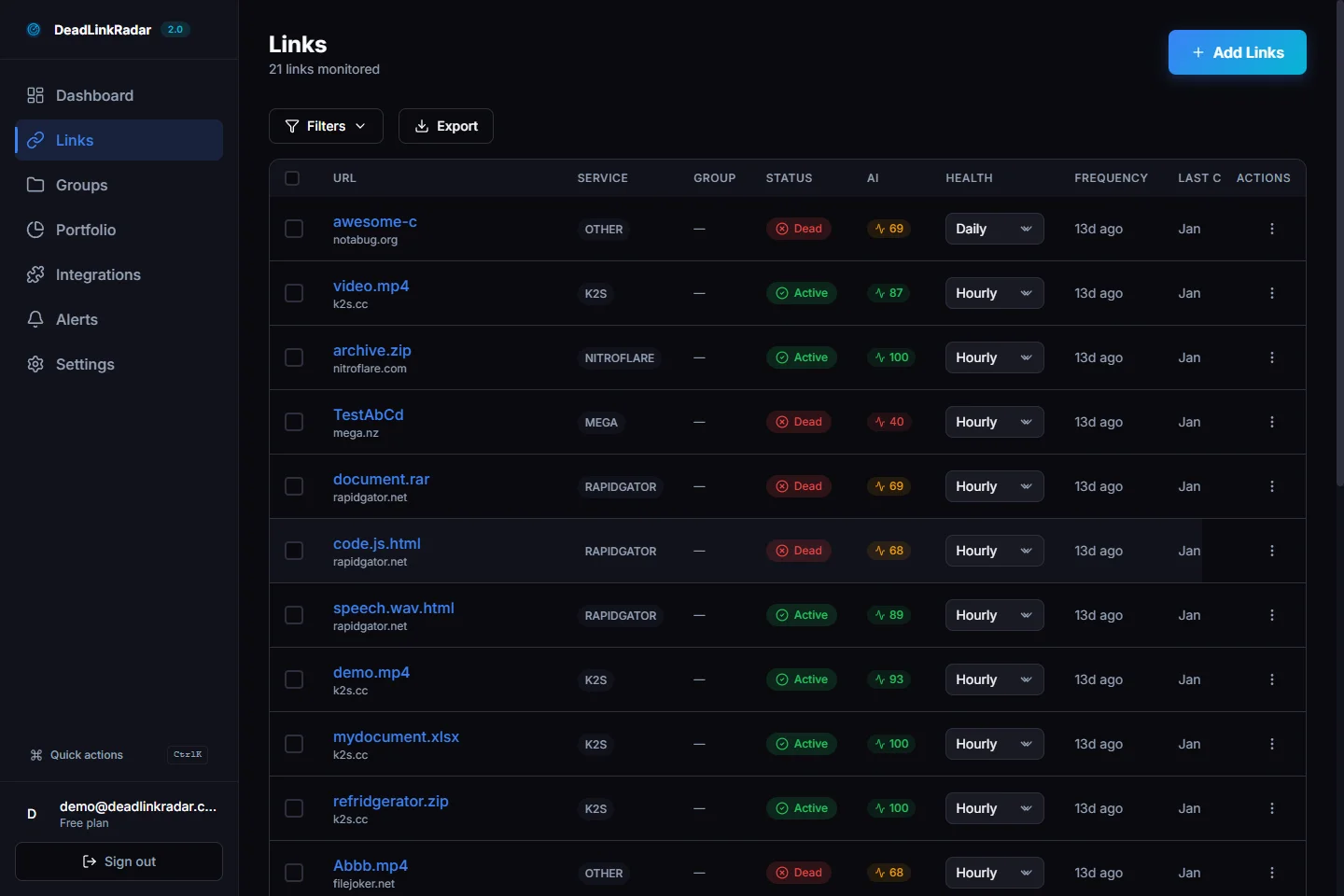
Dashboard quota visualization showing usage before and after import (click to view full size)
Summary
The DeadLinkRadar classification API transforms URL analysis from a manual bottleneck into an automated intelligence layer for your link monitoring workflows. Key takeaways:
- Programmatic access enables classification in CI/CD pipelines, CMS platforms, and custom tools
- Service detection identifies 40+ file hosts automatically with standard vs protected categorization
- Quota management prevents unexpected bypass credit consumption with upfront impact calculations
- Time estimates help you set realistic processing expectations and optimize monitoring schedules
- Production-ready with proper error handling, caching, rate limiting, and batch optimization
Whether you're validating user-submitted links, optimizing quota usage across multiple projects, or building custom link management infrastructure, the classification API provides the data you need to make intelligent decisions about link monitoring at scale.
For manual classification using the dashboard interface, see our UI-focused classification guide.
Ready to automate your link classification workflow? Generate your API key and start building. Questions about API integration or quota management? Contact our support team.