
Your API key grants full programmatic access to your broken link checker account. A single leaked key in a public repository, a compromised CI/CD pipeline, or credentials sitting unchanged for years can expose your entire dead link monitoring setup to unauthorized access. The attacker doesn't need your password—they just need that one string.
This guide focuses on the security lifecycle of API keys for your broken link checker integration: when to rotate them, how to revoke compromised credentials, and the practices that keep your dead link detection workflows secure. If you're looking for code examples and automation patterns, check out our comprehensive API automation guide after you've locked down your key management strategy.
Why API Key Security Matters for Link Monitoring
API keys are bearer tokens—whoever holds the key has access. Unlike session tokens that expire after minutes, API keys typically remain valid until explicitly revoked. This persistence makes them powerful for automating broken link detection but dangerous when mishandled.
When you integrate a broken link checker into your CI/CD pipeline, build custom dashboards, or automate dead link reports, you're trusting that API key to represent your account. A compromised key doesn't just affect your monitoring—it affects every system that depends on accurate link health data.
A leaked DeadLinkRadar API key allows an attacker to:
- Exhaust your rate limits — Malicious requests consume your 10,000 requests/hour allocation, blocking legitimate broken link monitoring
- Access link health data — Your monitored URLs, dead link history, and failure patterns become visible to unauthorized parties
- Modify monitoring configuration — Links can be added, removed, or reconfigured without your knowledge, corrupting your dead link detection setup
- Trigger unnecessary checks — Automated spam requests could flag your account for abuse, potentially suspending your broken link checker access
- Export sensitive data — Bulk exports of your monitored domains reveal which URLs you consider important enough to track
GitHub actively scans public repositories for exposed credentials. In 2024 alone, they detected over 15 million leaked secrets in commits. The moment you accidentally push an API key, automated scanners have already harvested it—often within minutes. For teams using broken link checkers to protect critical download links or commerce sites, this exposure can be catastrophic.
The Hidden Cost of Key Compromise
Beyond the immediate security concerns, a compromised API key creates downstream problems that aren't immediately obvious. Your broken link checker data feeds into monitoring dashboards, alerting systems, and potentially customer-facing status pages. If an attacker manipulates this data—marking dead links as alive or vice versa—you lose trust in your entire dead link detection system.
Consider a scenario where your download site relies on DeadLinkRadar to check for broken links hourly. An attacker with your API key could add thousands of fake URLs to your monitoring, exhausting your link quota. Or worse, they could delete your critical monitored links, leaving actual dead links undetected until users complain.
Creating API Keys for Your Broken Link Checker
When you generate a new API key from Settings → API in your dashboard, DeadLinkRadar shows the full key exactly once. This "show-once" design is intentional—we never store your key in plain text, only a secure hash. If you navigate away without copying, you'll need to generate a fresh key.
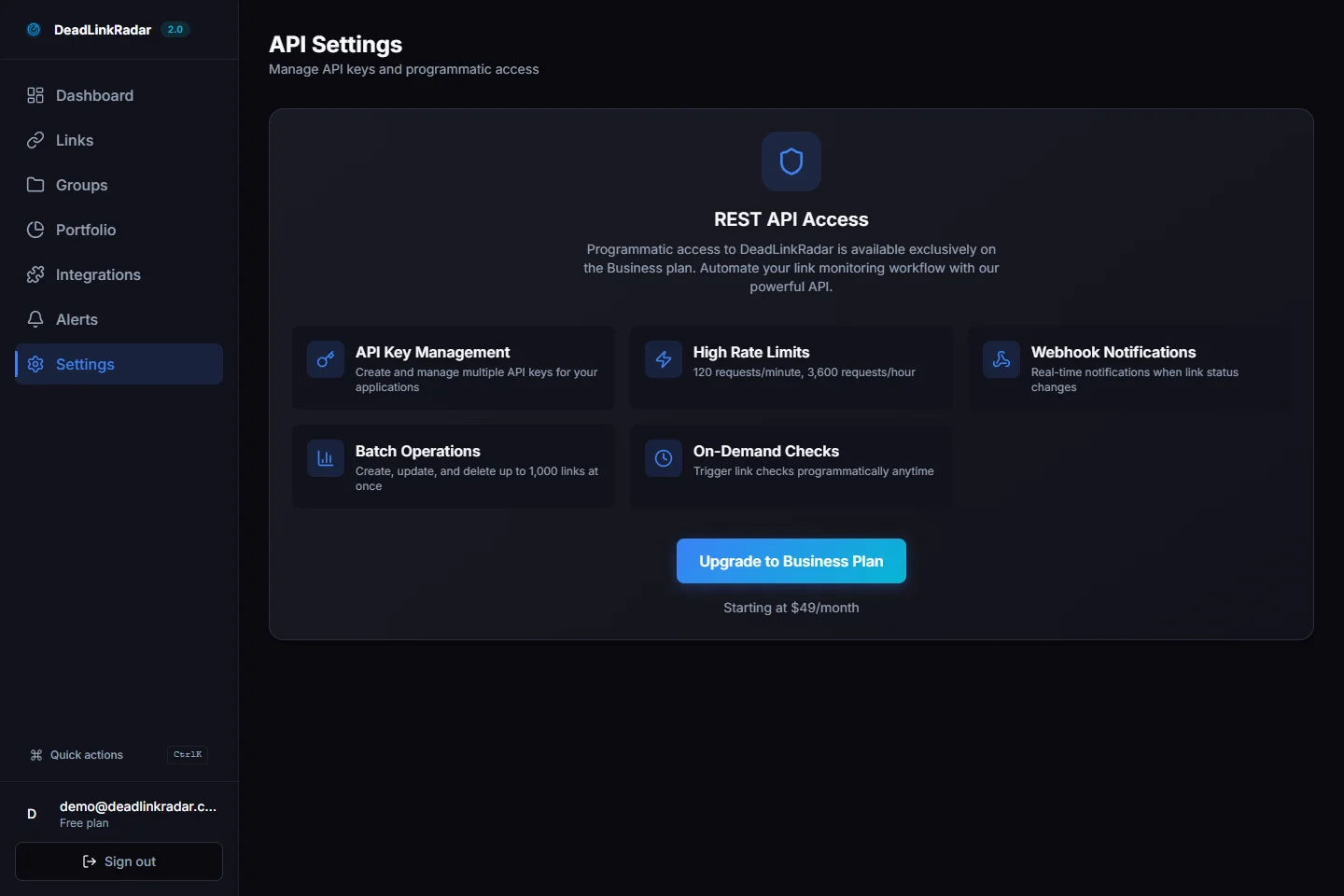
This approach ensures that even if our database were compromised, attackers couldn't extract working API keys. The trade-off is that you must store your key securely immediately after generation—there's no "recover my key" option.
Key naming matters. Use descriptive names that identify the key's purpose and environment. When you're running broken link checks across multiple environments, clear naming prevents costly mistakes:
| Environment | Suggested Name | Use Case |
|---|---|---|
| Production | prod-ci-pipeline | CI/CD deployment broken link checks |
| Staging | staging-preview | Pre-production dead link validation |
| Development | dev-local-testing | Local development and testing |
| Monitoring | grafana-dashboard | External dashboard integration |
| Scheduled Jobs | cron-weekly-report | Automated weekly link health reports |
This naming convention helps when you're managing multiple keys. When an employee leaves or a service is decommissioned, you'll know exactly which key to revoke without disrupting other broken link checker integrations.
Key Permissions and Scope
DeadLinkRadar API keys include both read and write permissions by default. Read permissions allow your broken link checker integration to fetch link status, export reports, and query historical dead link data. Write permissions enable adding new links to monitoring, triggering on-demand checks, and modifying alert configurations.
For maximum security, consider whether each integration truly needs write access. A monitoring dashboard that only displays link health doesn't need to modify your configuration. While DeadLinkRadar doesn't currently offer granular permission scopes, planning for this constraint helps when we add role-based keys in the future.
Key Rotation: Proactive Security for Dead Link Detection
Key rotation is the practice of regularly replacing credentials before they become a liability. Even if no breach has occurred, periodic rotation limits the window of exposure if a key was compromised without your knowledge. For teams running automated broken link checkers, this is especially important—your keys may be stored in CI/CD secrets, environment variables, and deployment configurations across multiple systems.
When to rotate your broken link checker API keys:
- Scheduled rotation — Every 90 days as a baseline policy, regardless of suspected compromise
- Employee offboarding — When team members with key access leave, even if they departed on good terms
- Suspected compromise — Unusual API activity, failed auth spikes, or security alerts from your monitoring systems
- Environment changes — After infrastructure migrations, major deployments, or changes to your CI/CD pipeline
- Vendor security incidents — If any third-party service with key access reports a breach
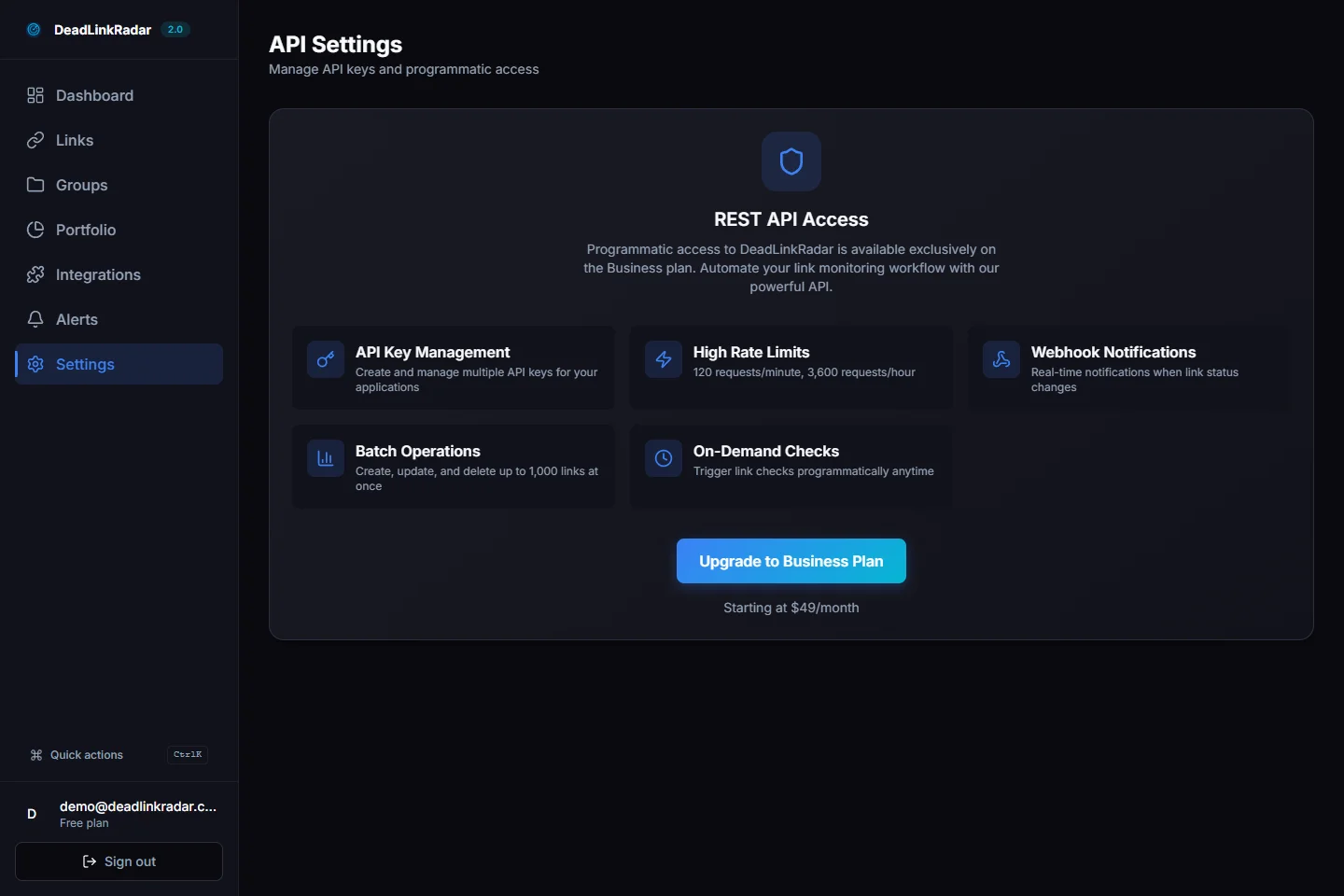
DeadLinkRadar's rotation feature performs an atomic operation: it generates a new key and revokes the old one in a single action. The new key inherits the same name and permissions, ensuring your audit trail remains intact while your dead link detection continues uninterrupted.
Zero-Downtime Rotation Pattern
For production broken link checker integrations, downtime during key rotation isn't acceptable. Here's the pattern we recommend for seamless credential updates:
- Generate the new key via rotation — The old key continues working for a brief grace period
- Update your environment variables — Push the new key to your secrets manager (AWS Secrets Manager, HashiCorp Vault, GitHub Secrets)
- Deploy the configuration change — Roll out the update to all services using the broken link checker API
- Verify functionality — Confirm dead link checks are succeeding with the new key
- Monitor for stragglers — Watch for 401 errors indicating systems still using the old key
- The old key is automatically revoked — After rotation completes, the previous key becomes invalid
For critical production systems, consider maintaining two active keys during transitions. Create a second key before revoking the first, update your systems, verify functionality, then revoke the old key manually. This approach adds complexity but eliminates any window where your broken link checker might fail authentication.
Revoking Compromised Keys Immediately
When you suspect a key has been compromised, revocation should be immediate—not scheduled for "the next maintenance window." Every minute a leaked key remains active extends your exposure. The inconvenience of a brief broken link checker outage is far less costly than the damage from unauthorized access.
DeadLinkRadar uses soft deletion for revoked keys. The key record remains in your account for audit purposes (showing when it was created, last used, and revoked), but authentication attempts with the revoked key immediately fail with 401 Unauthorized. This audit trail is crucial for incident response—you can trace exactly when suspicious activity occurred relative to key creation and last legitimate use.
What happens to in-flight requests during revocation:
- Requests already authenticated continue to completion—we don't kill active dead link checks mid-stream
- New requests with the revoked key are rejected immediately
- Webhooks configured for link status notifications continue functioning (webhooks use separate authentication)
- Scheduled jobs using the revoked key will fail on their next execution
After revocation, generate a replacement key and update your broken link checker integration. The old key's name is released, so you can reuse descriptive names like prod-ci-pipeline for the replacement.
Incident Response Checklist
When you discover a potentially compromised API key:
- Revoke immediately — Don't investigate first; revoke first
- Generate replacement — Create a new key with the same name for easy tracking
- Update all systems — Push the new key to every service using your broken link checker
- Audit usage — Review the "Last Used" timestamp and API logs for suspicious patterns
- Check for data exfiltration — Were link health reports exported? Were URLs added or removed?
- Document the incident — Record timeline, affected systems, and remediation steps
- Review how compromise occurred — Was the key in source control? Shared insecurely? Left in logs?
Security Best Practices for Broken Link Checker APIs
The table below summarizes the critical do's and don'ts for API key security when integrating a dead link checker into your workflows:
| Practice | Do | Don't |
|---|---|---|
| Storage | Use environment variables or secrets managers (AWS Secrets Manager, HashiCorp Vault, GitHub Secrets) | Hardcode keys in source code, config files, or documentation |
| Scope | Create separate keys for each environment and service using your broken link checker | Share one key across production, staging, and development |
| Access | Limit key access to team members who need it for dead link monitoring | Distribute keys via Slack, email, or shared documents |
| Monitoring | Review usage stats monthly for anomalies in your broken link checker requests | Ignore the "Last Used" timestamp in your key list |
| Rotation | Rotate every 90 days and after team changes | Use the same key for years without rotation |
| Incident response | Revoke immediately on suspected compromise | Wait to "investigate" before revoking |
| Logging | Log request counts and error rates | Log full API keys (even masked, patterns can leak) |
| CI/CD | Store keys as encrypted secrets, never in repository code | Commit .env files or configuration with keys |
Environment Variable Patterns for Dead Link Detection
Store your broken link checker API key in environment variables, never in code:
# .env (never commit this file - add to .gitignore)
DEADLINKRADAR_API_KEY=dlr_sk_live_xxxxxxxxxxxxx

# CI/CD (GitHub Actions example)
# Store in repository Settings → Secrets → Actions
# Reference as ${{ secrets.DEADLINKRADAR_API_KEY }}

# Docker (use secrets, not environment variables in Dockerfile)
docker run -e DEADLINKRADAR_API_KEY="$DEADLINKRADAR_API_KEY" your-app
Your key prefix (dlr_sk_) tells you it's a DeadLinkRadar secret key. The live or test segment (if present) indicates the environment. This prefix structure helps identify leaked keys in logs or code reviews—if you see dlr_sk_ in a commit, you know exactly what was exposed.
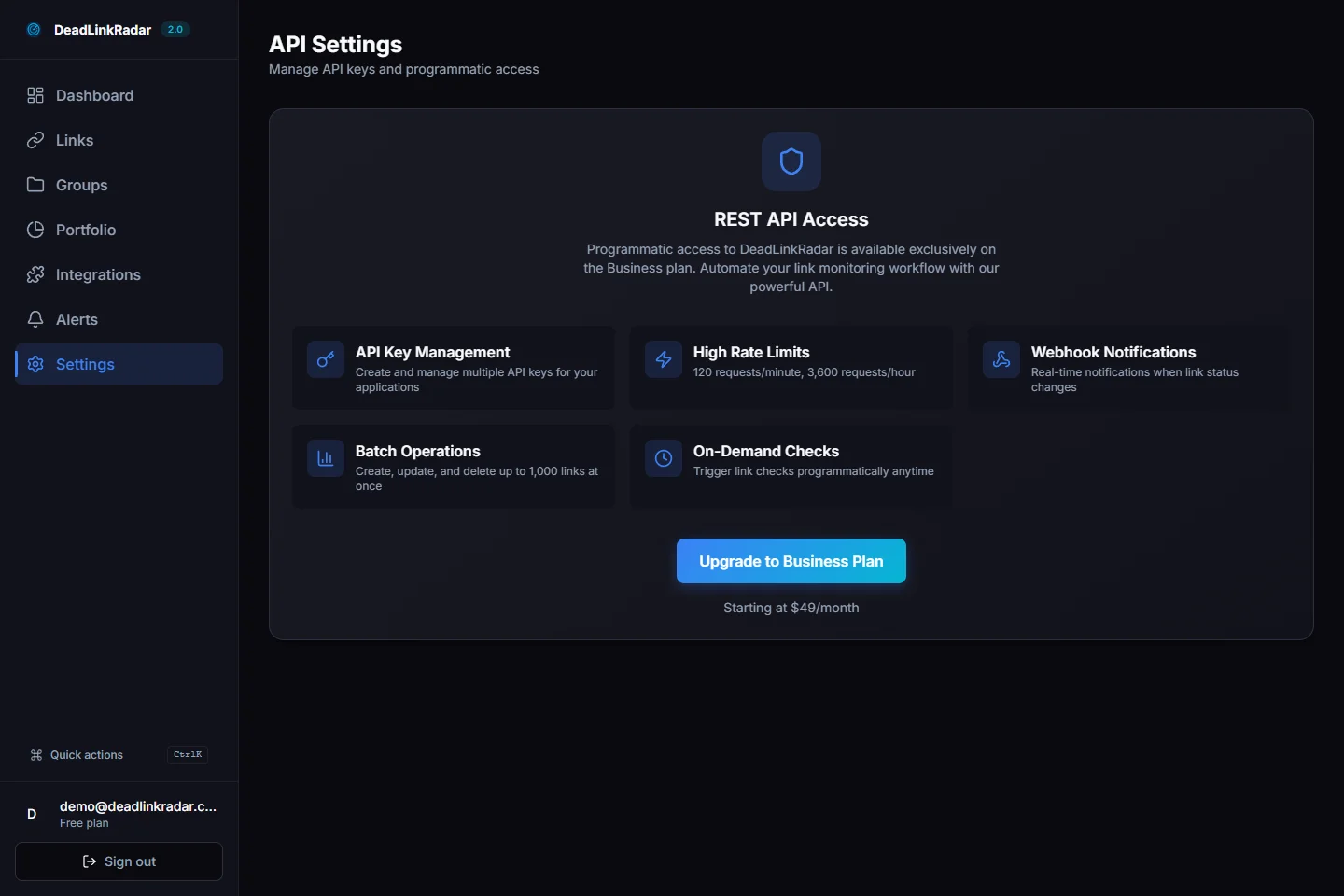
Monitor your usage stats in the API settings page. Unexpected spikes in request volume for your broken link checker, requests from unfamiliar IP ranges, or sudden increases in error rates can indicate compromised credentials or misconfigured integrations. Set up alerts for anomalies—if your dead link checks normally run hourly and you see continuous requests, investigate immediately.
Troubleshooting Common API Key Issues
When API authentication fails for your broken link checker integration, the error response tells you what went wrong. Here's how to diagnose the most common problems:
401 Unauthorized — Invalid or Revoked Key
This is the most common error when setting up or maintaining broken link checker integrations. The key doesn't exist, has been revoked, or is malformed.
Common causes:
- Key was rotated but environment variables weren't updated across all systems
- Typo when copying the key (missing characters, extra whitespace, wrong key entirely)
- Key was revoked and no replacement was configured
- Missing
Bearerprefix in the Authorization header - Using the key prefix (
dlr_sk_l...) instead of the full key
Resolution steps:
- Verify the key in your secrets manager matches what you copied during generation
- Check for leading/trailing whitespace in environment variables
- Confirm the Authorization header format:
Authorization: Bearer dlr_sk_live_xxxxx - If in doubt, rotate to generate a fresh key
403 Forbidden — Insufficient Permissions
This error indicates the key is valid but doesn't have access to the requested resource.
Common causes:
- Your account was downgraded from Business plan (API access for broken link checking requires Business)
- Attempting to access a feature not included in your current plan
- The key's permissions were modified (if you have custom permission scopes)
Resolution steps:
- Check your account plan status in Dashboard → Settings → Billing
- Upgrade to Business plan if API access is required for your dead link detection workflow
- Contact support if you believe your key should have access
429 Too Many Requests — Rate Limited
You've exceeded your hourly request allocation for broken link checks.
Common causes:
- Legitimate high-volume dead link checking exceeding plan limits
- Runaway script or infinite loop triggering excessive requests
- Multiple services using the same key simultaneously
- Compromised key being used by an attacker
Resolution steps:
- Check the
X-RateLimit-Resetheader to see when your limit resets - Implement exponential backoff in your broken link checker integration
- Review whether all requests are necessary—batch where possible
- If this is unexpected volume, consider key compromise and rotate immediately
Key Not Working After Rotation
If you rotated a key but your broken link checker integration stopped working:
- Verify you copied the complete new key — It's only shown once during generation
- Check all environments received the updated key — Production, staging, CI/CD secrets
- Confirm the deployment picked up the new value — Environment variables may be cached
- Review the "Last Used" timestamp — If it shows the old key's last use time, the new key isn't being sent
- Check for hardcoded keys — The new key won't help if old values are hardcoded in forgotten places
Keep Your Broken Link Checker Integration Secure
API key security isn't a one-time setup—it's an ongoing practice. Schedule quarterly reviews of your active keys, remove any that are no longer in use, and make rotation part of your team's security hygiene. For teams relying on automated dead link detection, this discipline prevents the nightmare scenario where a leaked key compromises your entire monitoring infrastructure.
The investment pays off: a few minutes of proactive key management prevents the hours of incident response, customer communication, and cleanup that follow a credential leak. Your broken link checker is only as trustworthy as the security of its credentials.
Quick security checklist for broken link checker API keys:
- All keys stored in secrets managers, never in code
- Separate keys for each environment (production, staging, development)
- Rotation scheduled every 90 days
- "Last Used" timestamps reviewed monthly
- Offboarding process includes key rotation
- Incident response plan documented and tested
Ready to build automations with your secured keys? Our complete API guide covers CI/CD integration for broken link checking, webhook setup for dead link alerts, and code examples for common workflows.
Questions about API security or key management for your dead link detection setup? Reach us at support@deadlinkradar.com.