
Newsletter link monitoring is the difference between a polished publication and an embarrassing reader experience. You spend hours writing issue #47, carefully curating links to tools, articles, and resources your subscribers will love. You hit send. Three months later, a reader opens that issue from their inbox archive, clicks your top recommendation, and lands on a 404 page.
You can't fix it. The email is already in 12,000 inboxes.
The permanent problem with newsletter links
This is the fundamental tension newsletter creators face: websites can be edited after publication, but sent emails cannot. If a link breaks on your blog, you update the post. If a link breaks in issue #47, every subscriber who ever opens that email from their inbox will see a dead link. There is no recall button, no silent update, no hotfix.
The damage compounds over time. Most newsletter platforms archive every issue as a public web page. Substack, Beehiiv, Ghost, ConvertKit, Mailchimp — they all create permanent URLs for past issues. Google indexes these archives. Readers discover old issues through search. A single broken link in a popular issue can be encountered by hundreds of new readers months or even years after you sent it.
Consider a newsletter that publishes weekly for two years. That is 104 issues, each containing 5-15 external links. You are maintaining somewhere between 500 and 1,500 links across your archive — and every single one of them is frozen in time. You cannot go back and update the email sitting in a subscriber's inbox. The only thing you can do is know when something breaks and communicate it to your audience in a future issue.
This is why newsletter link monitoring matters more than website link monitoring in some ways. On a website, a broken link is a bug you can fix. In a newsletter, a broken link is permanent damage to your credibility with every reader who encounters it.
Why newsletter links break faster than you expect
Most newsletter creators assume their links will stay alive indefinitely. After all, you linked to a real page that existed when you published. But the internet is far more volatile than it appears, and newsletter links are especially vulnerable because they point to other people's content.
Domain expirations and shutdowns are the most common culprit. The indie tool you recommended last year? The founder ran out of runway, and the domain expired. The SaaS product you featured in your "best tools" roundup? It got acqui-hired and the product page redirects to a corporate landing page — or worse, the domain is now a parking page full of ads.
Site restructures and URL changes happen constantly. A company redesigns their website, changes their URL structure from /blog/post-title to /resources/articles/post-title, and suddenly every link you ever shared to their blog returns a 404. They may set up redirects for their own internal links, but they have no way of knowing that thousands of newsletters link to their old URLs.
File hosting shutdowns hit resource-heavy newsletters especially hard. If you share PDFs, templates, spreadsheets, or other downloadable resources, the hosting service you used may change plans, impose bandwidth limits, or shut down entirely. Google Drive links break when sharing settings change. Dropbox links expire when accounts hit storage limits. Gumroad links break when creators restructure their products.
Paywalling and content retirement is increasingly common. An article you linked to as a free resource gets moved behind a paywall six months later. A company retires a blog post because it no longer aligns with their product direction. A tutorial becomes outdated and the author takes it down. In each case, your newsletter still points readers to content that no longer exists as they expect it to.
The hidden risk: your resource sections
Many newsletters have recurring sections that accumulate links over time, and these sections are silently rotting in your archive issues.
"Best tools" and "recommended resources" lists are the biggest offenders. If you maintain a curated list of tools in your niche, you are almost guaranteed to have dead links within 12 months. The tool landscape changes rapidly. Products pivot, merge, shut down, or rebrand. A "Top 10 Project Management Tools" roundup from last year might have 3-4 dead links today.
Recommended reading sections from old issues are another source of link rot. You shared a great article, your subscribers bookmarked the email for later, and when they finally get around to reading it three months later, the article has been removed or restructured.
Product recommendation links break when items are discontinued, retailers change their URL structure, or affiliate programs update their link format. If your newsletter drives revenue through affiliate links, broken product links directly cost you money — and you may not realize it until you check your affiliate dashboard weeks later.
The real problem is visibility. None of these breakages announce themselves. A file hosting service does not email you when a shared link stops working. A company does not notify external linkers when they restructure their URLs. You only discover these broken links when a subscriber complains — and most subscribers never bother complaining. They just lose trust in your recommendations.
Before you hit send: pre-publish link hygiene
The best time to catch a broken link is before you hit the send button. Once an email is sent, you are stuck with whatever links are in it.
The manual audit challenge is real. Most newsletter issues contain 5-15 external links. Manually clicking each one before every publish takes 10-20 minutes — time most creators do not have on publish day. And manual checking only catches links that are broken right now. It cannot tell you that a link will break next week or that a link has been intermittently failing.
Here is a practical approach to pre-publish link hygiene:
Build a running list of links you use repeatedly. If you recommend the same tools, resources, or references across multiple issues, keep a single document listing these recurring links. Check this list weekly, not per issue. This catches the most damaging breakages — the links that appear in many issues across your archive.
Check one-off links manually before publishing. For links that appear in a single issue only (a news article you are referencing, a specific blog post), a quick manual click before sending is sufficient. These links only affect one issue if they break.
Separate evergreen links from timely links. Evergreen links (tools, resources, guides) need ongoing monitoring because they appear in your archive permanently. Timely links (news articles, event pages) have a shorter shelf life and are less damaging when they break months later.
Use DeadLinkRadar for your evergreen resource list. Rather than manually checking the same 50 or 100 recurring links every week, import them into DeadLinkRadar and let automated monitoring do the work. You will get alerts the moment a frequently-used link breaks, giving you time to find a replacement before your next issue goes out.
Automating newsletter link monitoring with DeadLinkRadar
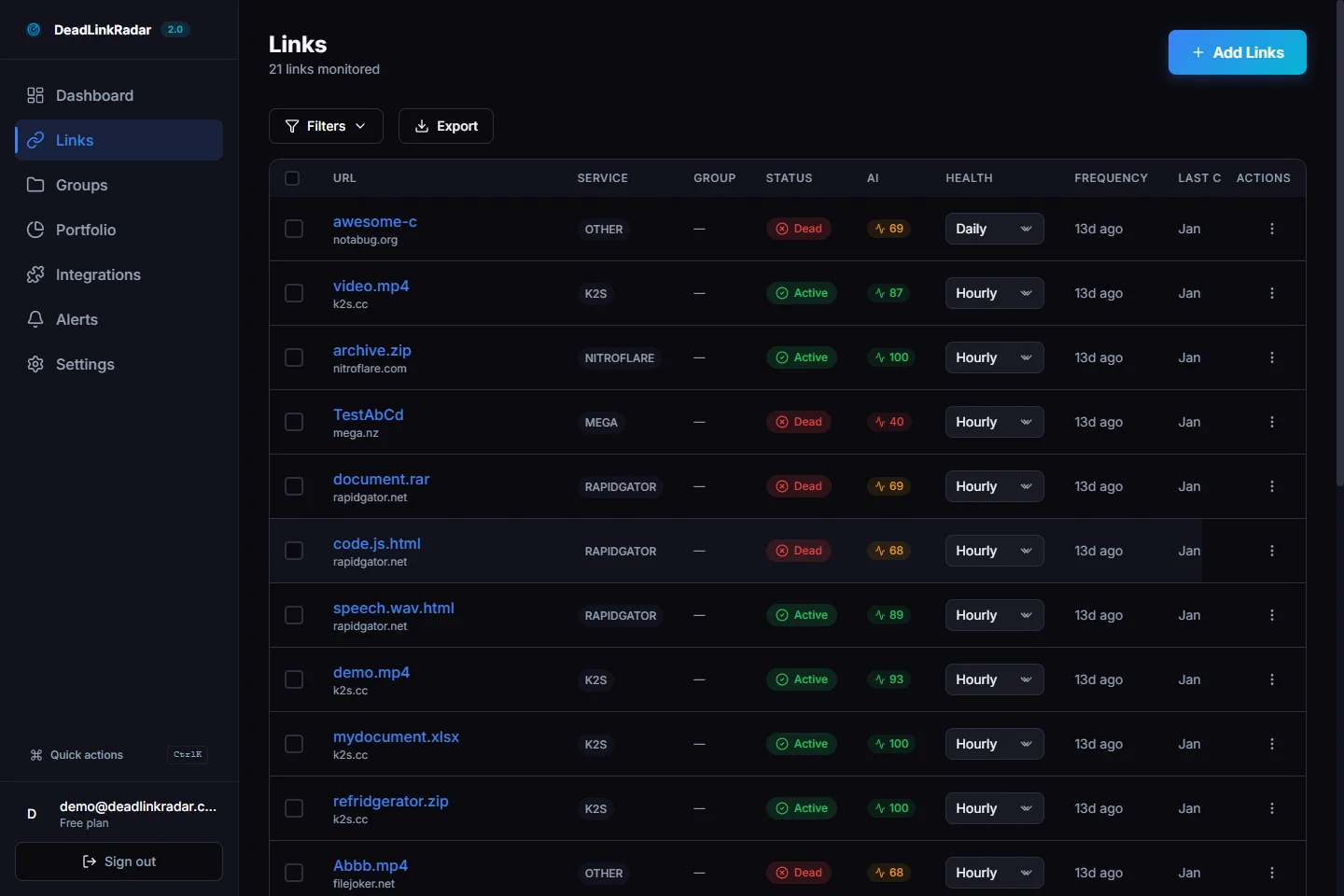
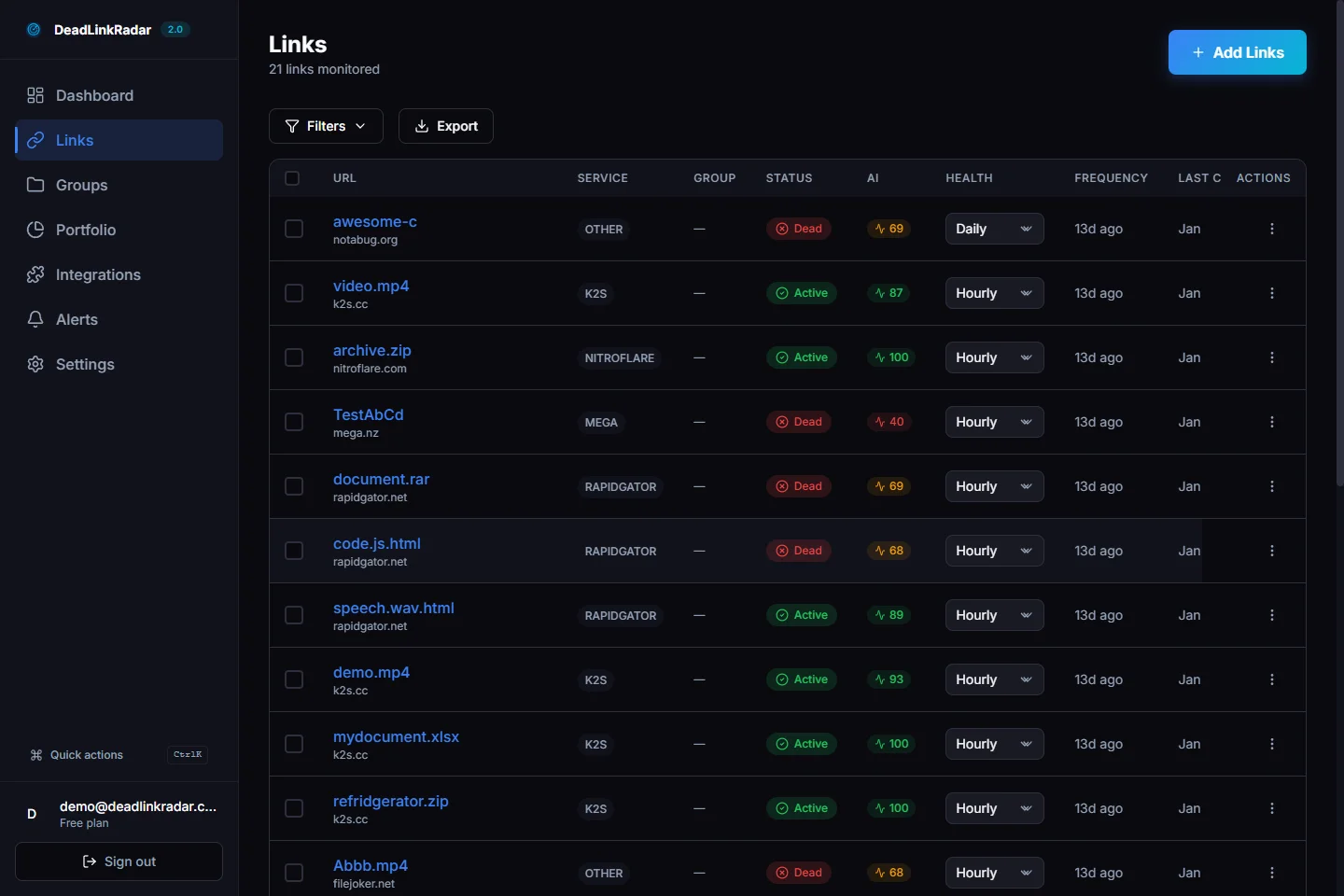
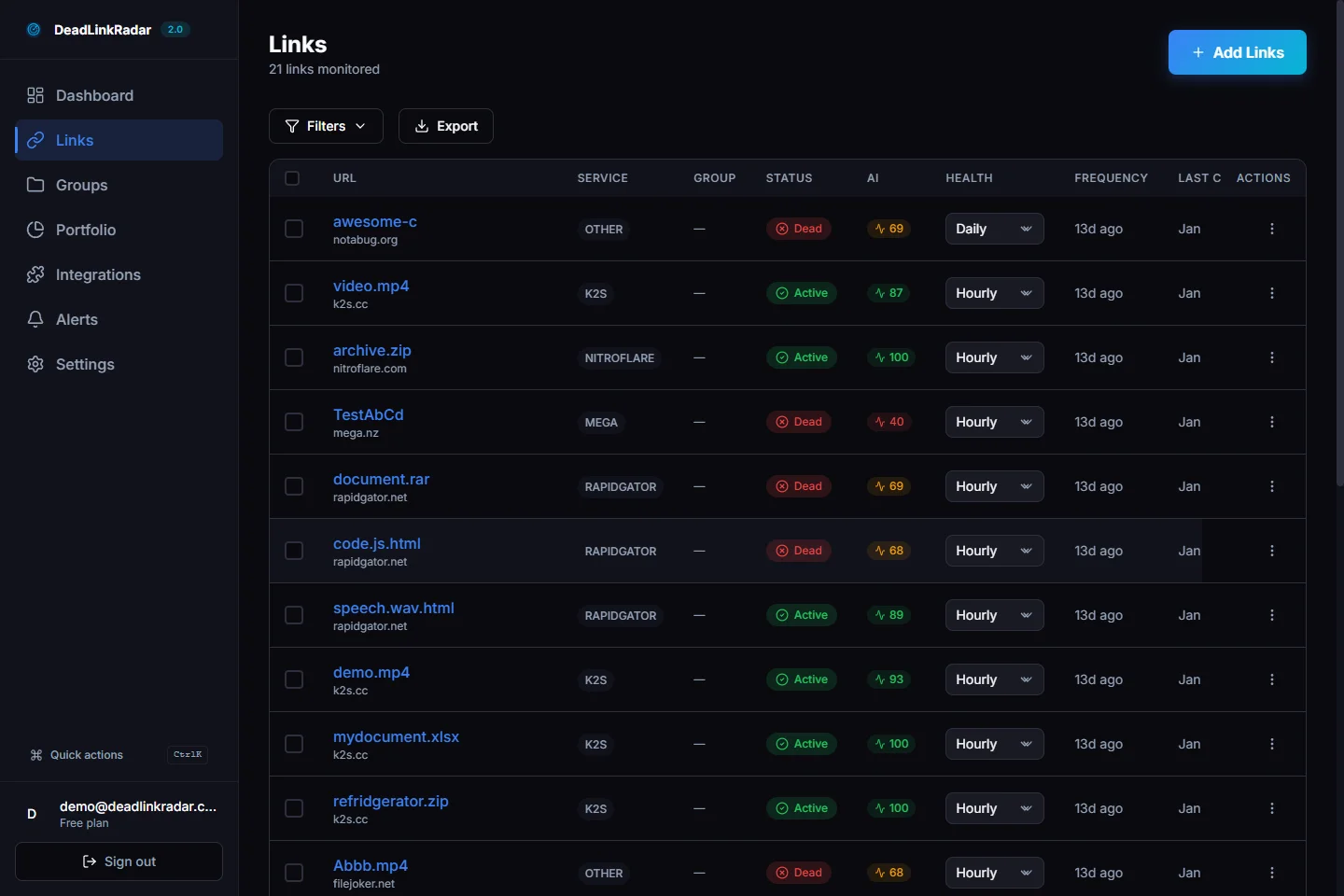
Manual checking does not scale past a handful of links. If you publish weekly and link to 10+ resources per issue, you are maintaining hundreds of links within a year. DeadLinkRadar automates this by monitoring your links continuously and alerting you the moment something breaks.
Import your link list
Start by collecting the links you want to monitor. You can import them in bulk using a text file — one URL per line. Pull links from your most recent 10-20 issues and any recurring resource lists you maintain.
Focus on the links that matter most:
- Evergreen resource recommendations that appear across multiple issues
- Affiliate or revenue-generating links where breakage costs money
- Download links for templates, PDFs, or tools you have shared
- Tool and product pages you recommend to subscribers
You do not need to import every link from every issue. Start with your highest-value links and expand from there.
Set up instant alerts
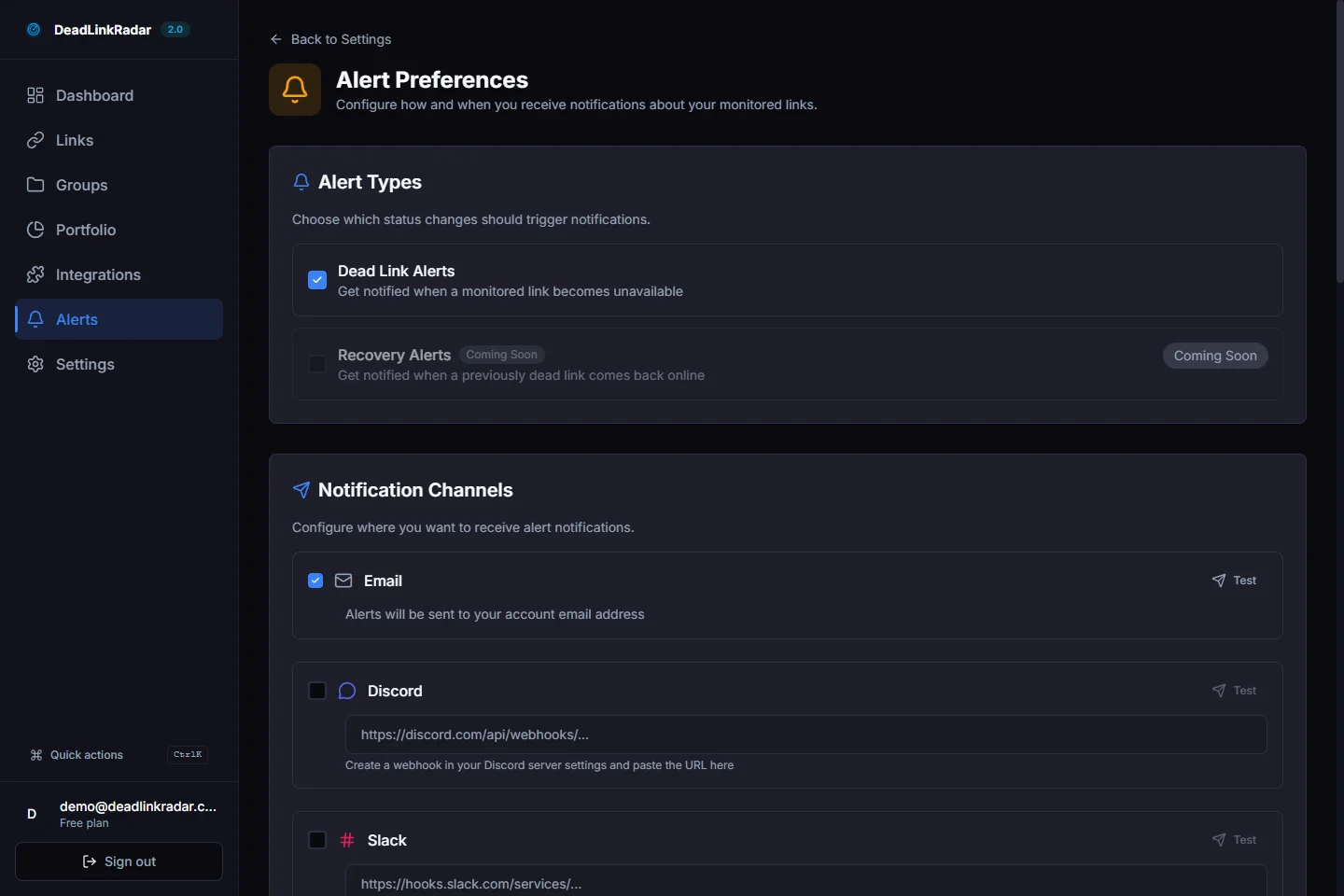
Once your links are imported, configure alerts so you know immediately when something breaks. DeadLinkRadar supports notifications through email, Discord, Slack, Telegram, Microsoft Teams, and webhooks — pick whatever channel you already check regularly.
For newsletter creators, email alerts or Telegram notifications are the most practical. You will receive a notification with the broken URL, the HTTP status code, and when the breakage was first detected.
How monitoring frequency works
DeadLinkRadar checks your links every 15 minutes. This means that if a link breaks at 2:00 PM, you will know by 2:15 PM at the latest. For newsletter creators, this cadence is more than sufficient — you are not fixing links in real time like a website owner would. The value is in knowing about breakages before your next publish day, not within seconds.
This continuous monitoring also catches intermittent failures. Some links break temporarily due to server issues and come back online hours later. DeadLinkRadar tracks these patterns over time, so you can distinguish between a permanently dead link and one that is just flaky.
Reading link history: when did that link break?
When you discover a broken link, the first question is usually: "How long has this been broken, and which issues are affected?"
DeadLinkRadar's link status history tracking gives you the answer. Every link has a timeline showing exactly when its status changed — from active to dead, or from dead back to active. You can see the precise timestamp when a link first started failing, which tells you which newsletter issues contain the broken link.
This information is critical for damage assessment. If a link broke yesterday, only your most recent issue is affected. If it broke three months ago, every issue from the last quarter that references that link has a problem. Knowing the timeline helps you prioritize your response.
Communicating breakages to subscribers
When you discover that a link in a past issue is broken, you have a few options:
Include a correction in your next issue. A brief "corrections" section at the top or bottom of your next newsletter is the most direct approach. Something like: "In issue #42, the link to [Resource Name] is no longer working. Here is an updated link: [new URL]." Subscribers appreciate the transparency.
Update your web archive. If your newsletter platform hosts a web archive of past issues, update the link there. This does not fix the email in inboxes, but it fixes the version that new readers find through search.
Maintain a corrections page. Some newsletters keep a dedicated corrections page on their website, listing broken links from past issues alongside updated replacements. This is especially useful for newsletters with large archives.
The key insight is that knowing a link is broken is the hard part. Once you know, the communication is straightforward. Without monitoring, broken links sit silently in your archive, eroding trust one reader at a time.
Start monitoring your newsletter links
Newsletter links are uniquely vulnerable because they cannot be edited after sending. Every link you include in an issue is a permanent commitment — if it breaks, every subscriber who opens that email will encounter the dead link.
The good news is that monitoring solves the hardest part of this problem: detection. You cannot prevent external sites from changing their URLs or shutting down. But you can know about it within minutes instead of discovering it months later through a subscriber complaint.
Here is how to get started:
- Collect your recurring links — pull the evergreen resources, tools, and references you link to across multiple issues
- Import them into DeadLinkRadar — bulk import via text file takes less than a minute
- Set up alerts — configure email or Telegram notifications so breakages reach you immediately
- Check before you publish — review your dashboard before each issue goes out to catch any recent breakages
Start with your 20-30 most important links. You can expand monitoring as you publish new issues and add new resources. The goal is not to monitor every link you have ever shared — it is to protect the links that matter most to your subscribers and your reputation.
Ready to protect your newsletter links? Start monitoring for free →
Related Guides
- How to Set Up Broken Link Alerts — Configure instant notifications across 6 channels
- Weekly Email Digest Setup — Get automated weekly health reports for your links